How Pokémon card vending machines work, and how to use our machine timers
What collectors have learned about card vending machines, how to be a good neighbour at one, and how our free timers help you time a visit.
Card vending machines sell sealed Pokémon products inside ordinary stores. There are nearly 2,000 of them across the US, and they're a good way to buy at a fair price without a website queue. They also have their own habits. This guide explains what collectors have learned about them, and how our machine map helps you time a visit.
Where the machines are
Most machines sit inside grocery stores. Across the US, the most common hosts are:
- Kroger stores and its other names: Kroger, Fred Meyer, Fry's, King Soopers, Food 4 Less, Smith's, QFC, Ralphs and Mariano's.
- Albertsons stores and its other names: Safeway, Albertsons, Jewel-Osco, Vons, Shaw's, Acme, Tom Thumb and Pavilions.
- Others: H-E-B, some regional grocers (such as WinCo Foods and Stater Bros. Markets), a few Asian supermarkets such as H Mart, and a few shopping malls.
Hosts differ a lot by region, and some big cities have very few machines. Every machine on our map comes from Pokémon's own machine locator. Each machine card links back to it, so you can check a listing there.
Kroger family: Kroger, Fred Meyer, Fry's, King Soopers, Food 4 Less, Smith's, QFC, Ralphs, Mariano's. Albertsons family: Safeway, Albertsons, Jewel-Osco, Vons, Shaw's, Acme, Tom Thumb, Pavilions. Others: H-E-B, WinCo, Stater Bros., H Mart, some malls.
What they sell
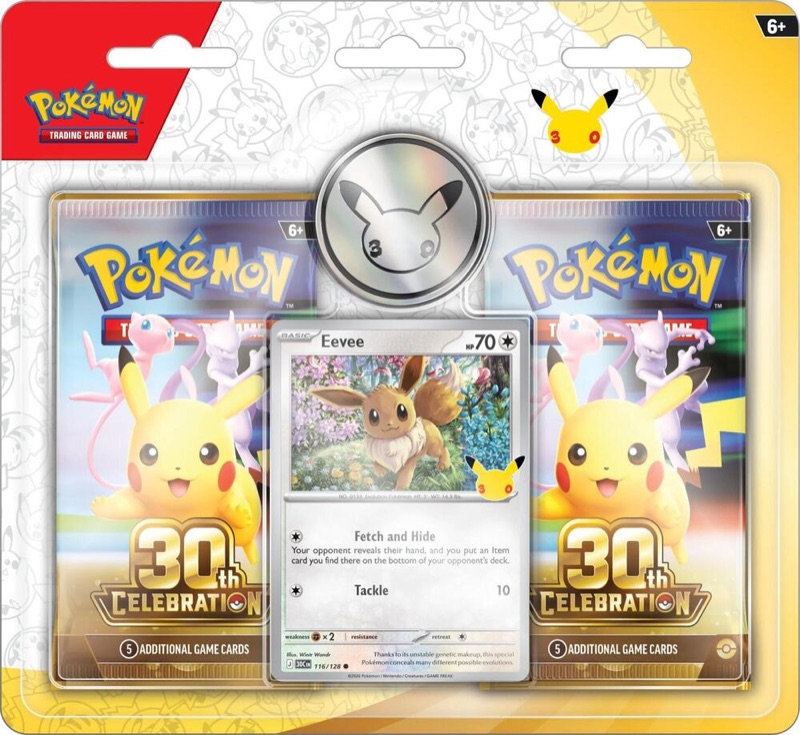
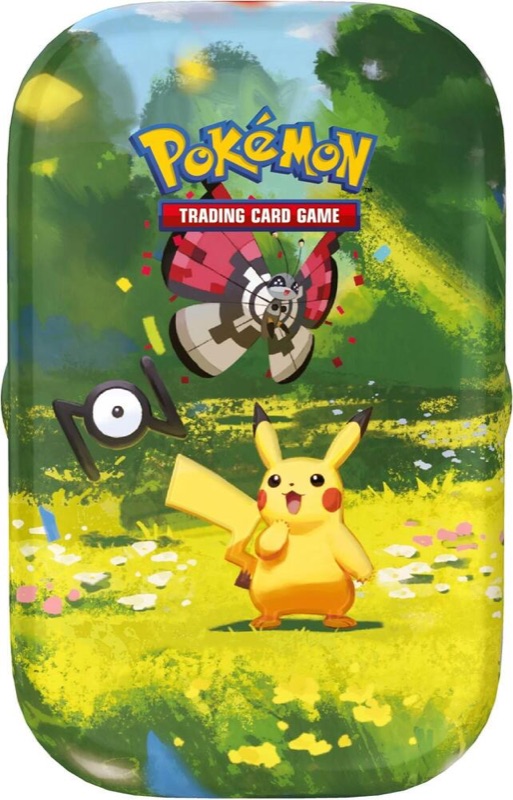
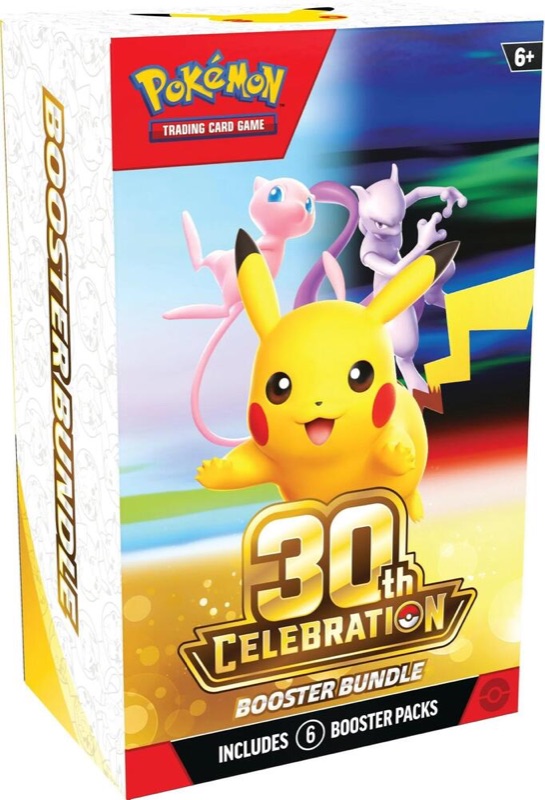
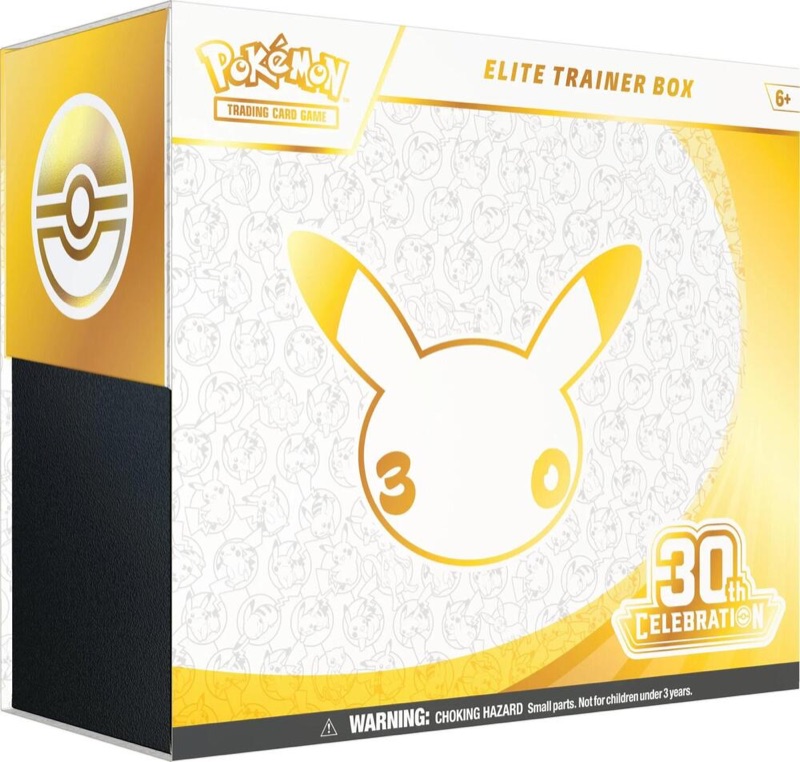
Machines sell sealed product, not single cards. That often means booster packs, Elite Trainer Boxes and other sealed products. What's loaded changes from machine to machine and week to week. Prices are usually at or close to MSRP. You can compare any product with its MSRP on our Products pages. Machines take card or tap-to-pay only. Bring a card or phone; machines don't take cash.
How restocks usually work
Pokémon doesn't publish restock times, so all of this comes from what collectors have seen. Treat it as a pattern, not a promise.
Five steps. 1: machine refilled, often near opening, midweek, as reported. 2: small batch released, about every 30 minutes. 3: shoppers buy within the limit. 4: sold out on screen. 5: back to idle, then the next batch, which loops back to step 2. The usual estimate is a release at 5 and 35 minutes past the hour.
- Staff or a vendor fill the machine. Members often report these refills from Tuesday to Thursday, near the store's opening. That's why some machine cards show "Likely restock day (Tue–Thu)".
- The machine releases stock in small batches. It doesn't put everything on sale at once. Members report a release about every 30 minutes, often around 5 and 35 minutes past the hour. Some machines run on their own timing.
- The timer may restart after a sale. Some reports say the next release comes about 30 minutes after the last purchase, rather than on fixed minutes.
- The machine has to be idle. Members report a machine needs to be back on its idle screen to load the next batch.
- It only matters while the store is open. A machine inside a closed store can't be reached, so our timers only count drops during the store's opening hours.
Etiquette and purchase limits
Machines are in someone else's store. Being a good guest keeps them there.
- Don't camp. Many machines say loitering isn't allowed. Visit, buy within the limit and move on. If you want more than one try, visit a few machines on a loop instead of waiting at one.
- Respect the purchase limit. Machines limit how much you can buy in one go. Don't try to get around it with a second card or a friend at the screen.
- Don't touch the machine beyond the screen. No shaking, leaning or blocking it. A damaged machine can be taken out of a store.
- Leave staff out of it. Store staff usually don't control the machine or its timer. Don't ask them to open it or tell you when it was filled.
- Keep the aisle clear. If others are waiting, form a line out of shoppers' way, and let people with a cart of groceries pass.
- Share what you saw. A quick report after your visit helps the next person, including "No drop" (see below).
Machine manners. Visit, buy, move on. Stick to the limit. Hands off the machine. Leave staff out of it. Keep the aisle clear. Report Drop or No drop.
Using GFEA's machine timers
Our machine map is open to everyone; you don't need an account to read it. Pick a town or ZIP, or use your location, and you'll see nearby machines as a map and a list. You can filter by Host store to show only the stores you shop at.
Each machine card shows:
- A countdown to its next likely drop. If the countdown starts with "≈", it's the usual 5-and-35 estimate. The card says "Estimated · no set schedule", and you can tap that for the reason.
- A learned timer. When two members' reports agree on another time, the card switches to "Learned from 2 member reports" and shows those times instead.
- A fresh drop. If someone logged a drop in the last few hours, the card says when, and counts the next ones from it.
- Store hours. If the host store is closed, you see "Closed · opens 6 am" instead of a countdown. If it closes before the next drop, you see when the next reachable one is.
- Recent check-ins. What collectors reported there lately.
- Directions, and a link to verify the machine on Pokémon's locator.
A sample machine card for a store called Main St. Market, with six numbered parts. 1: an estimated countdown, shown as about 4:59. 2: the note "Estimated · no set schedule". 3: "Learned from 2 member reports" with the two times. 4: "Closed · opens 6 am". 5: the Drop and No drop buttons, which teach the timer. 6: the link to verify on Pokémon's locator.
How your reports help. After a visit, tap Drop or No drop on the machine (you'll need a free account). A drop report teaches that machine's timer. A "No drop" tells others that a drop time often brings nothing there, without changing the times. If a machine is gone, report that too: once two members say so, the card shows "Reported gone — checking" until we confirm.
Plan a run. From the machine list, Plan a run with these builds a loop of nearby machines, timed so you reach each one near its next drop. You don't need an account to plan one. That's the fair way to try more than once: visit many machines briefly, never camp at one.
Live timers in Discord. Machine drop times also update live on the #machine-timers board in our Discord. Join to keep it one tap away.
Drop alerts for online releases are free with an account. Our drop-day checklist helps when a big release lands online and in machines the same week.
Before you go
Bring a small pack of sleeves and a toploader or two, so a good pull from a machine pack goes home flat. Our Protect your cards guide explains sizes.